
Everything Tymbor does.
Passwords and notes, kept private on your own device. Each part is shown on the desktop and on the phone, with sample information; none of it is real.
Passwords
Save every login with the site it belongs to. Copy with one tap and Tymbor clears the clipboard for you a little later.
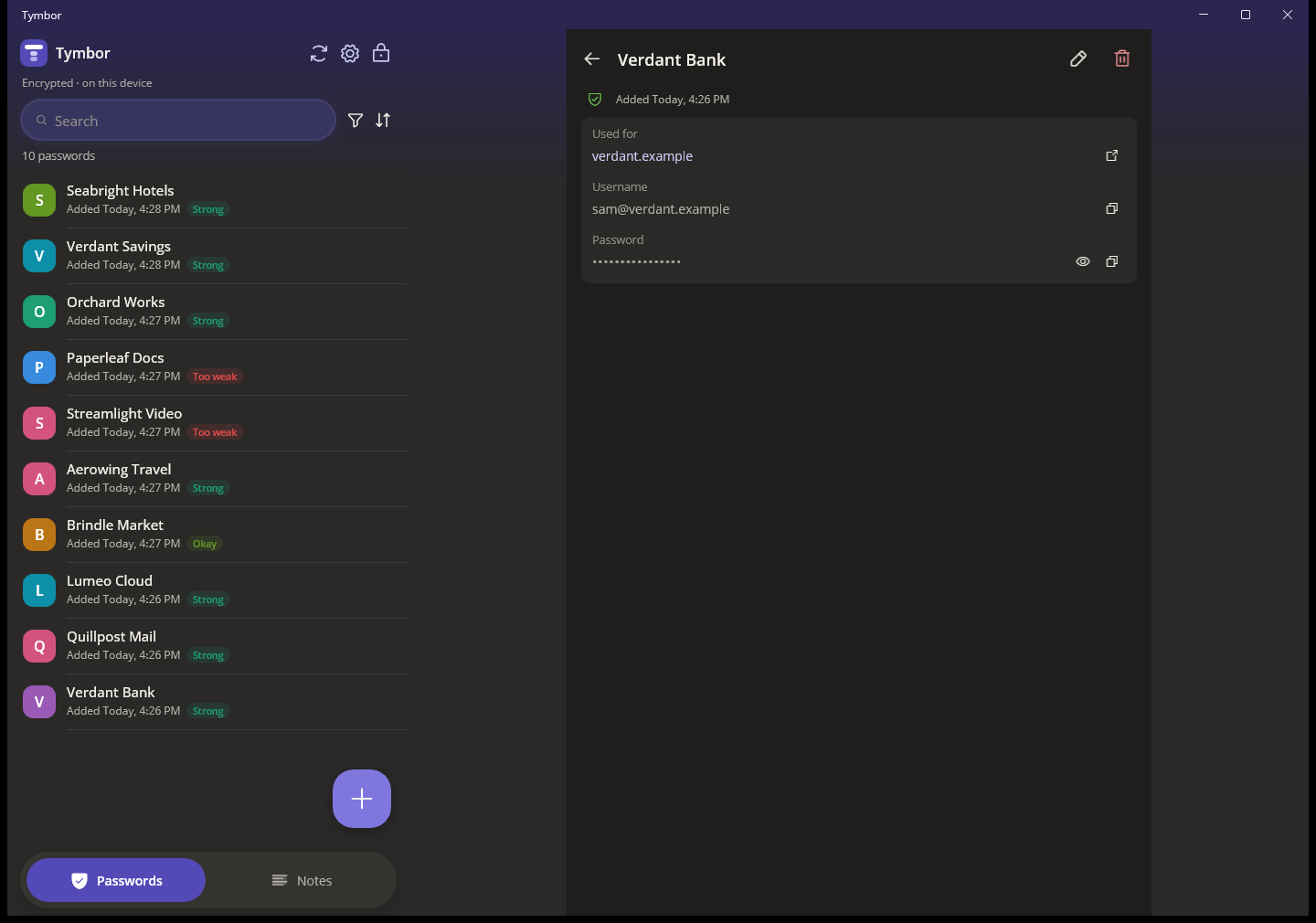
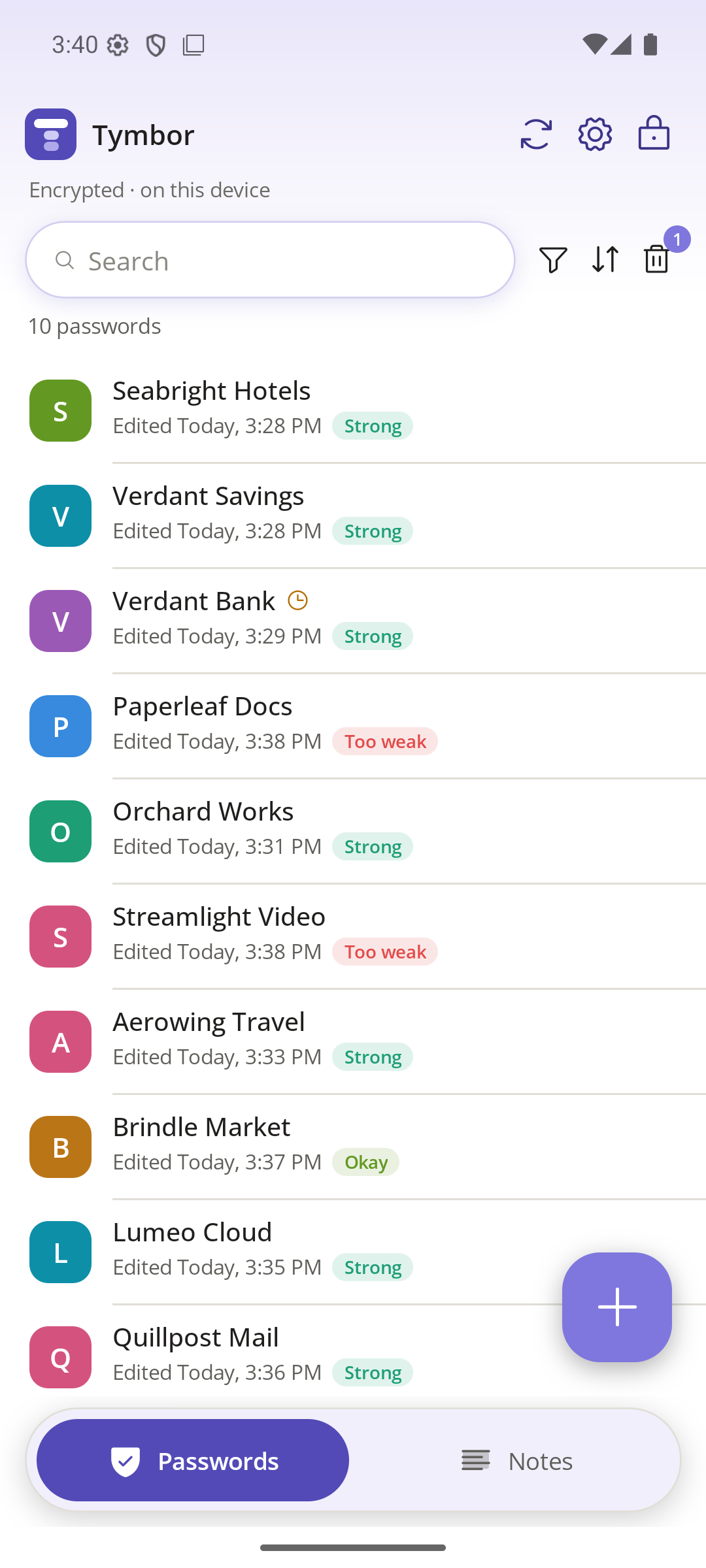
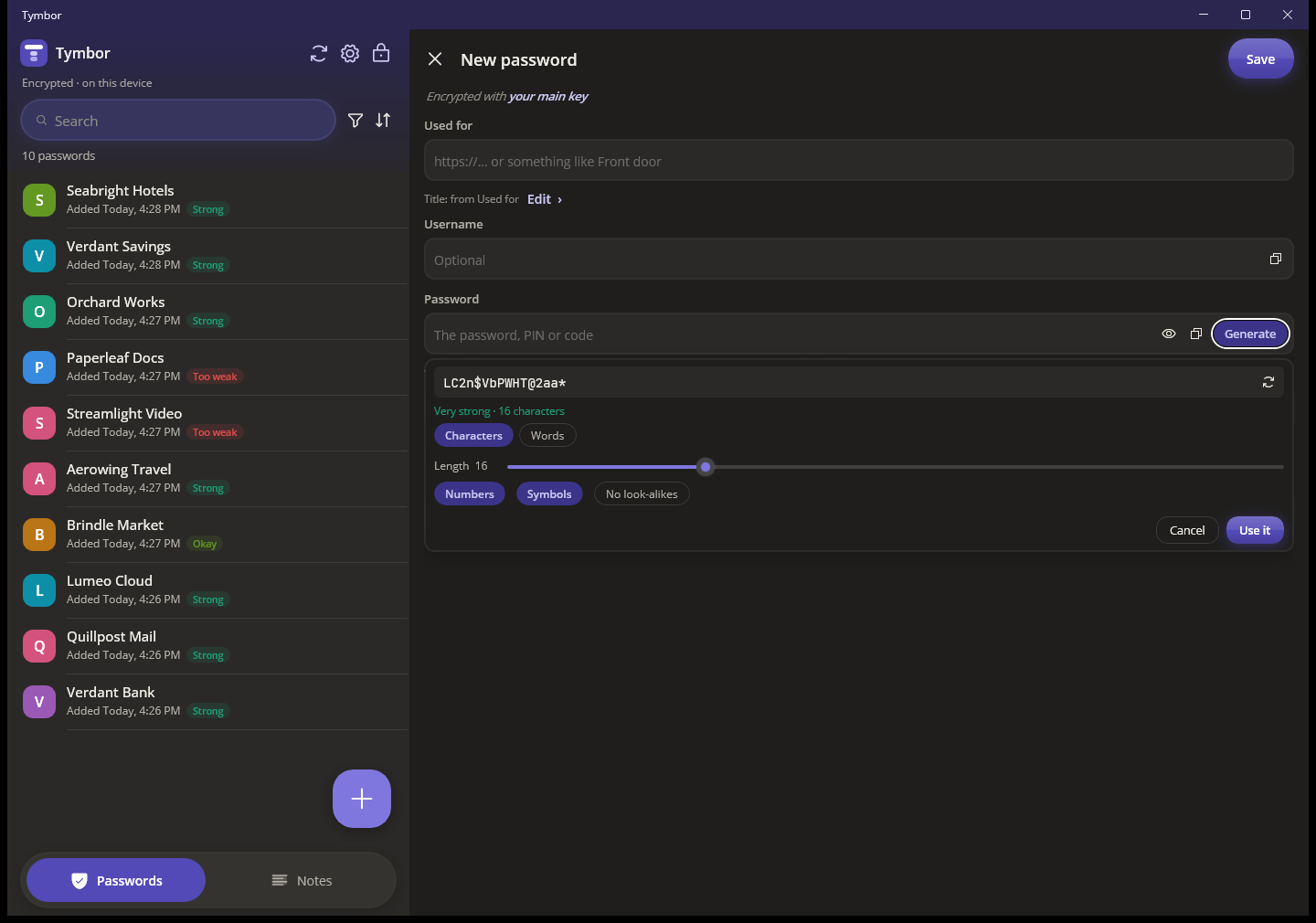
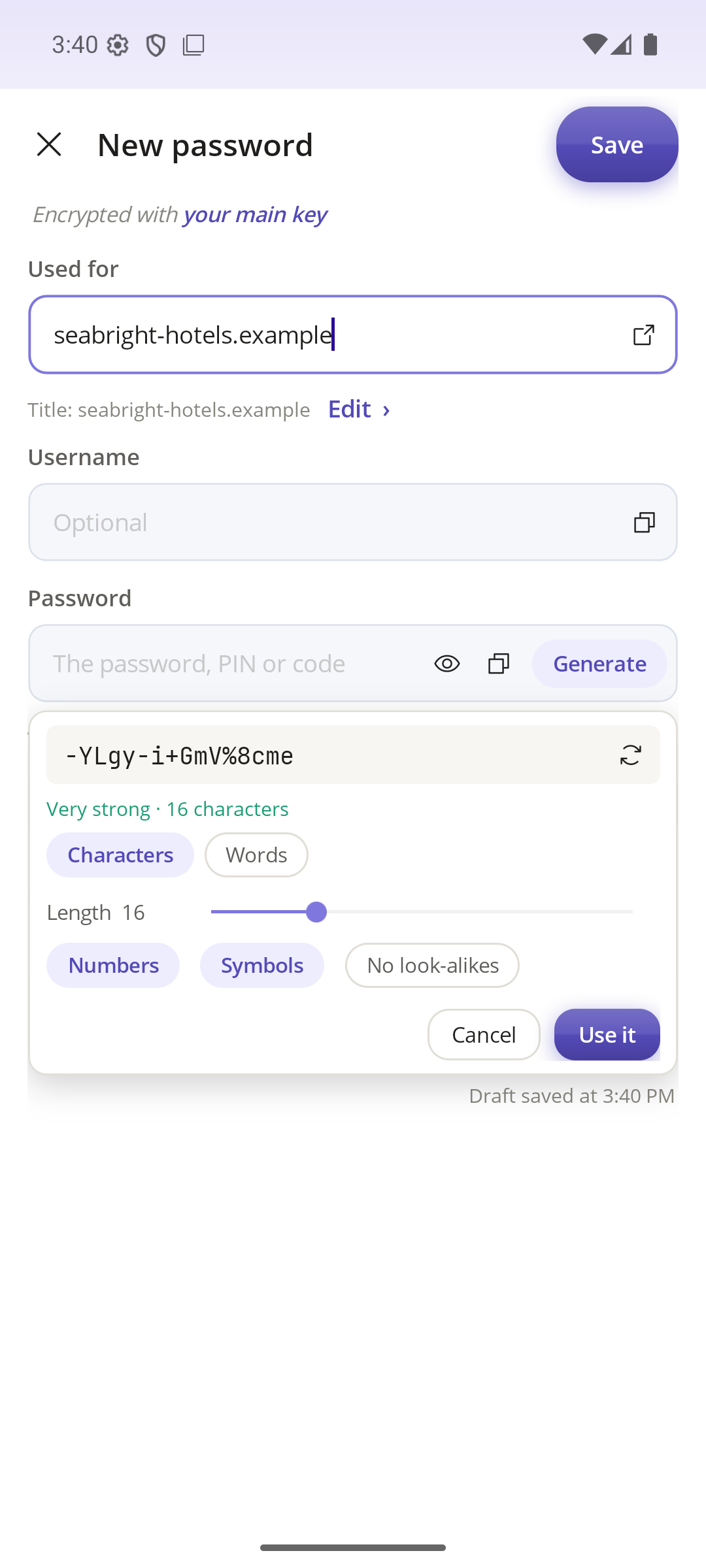
Strong passwords on demand
A random password or an easy-to-type phrase of words. Pick the length, numbers and symbols, and skip look-alike characters. A strength rating shows as you type.
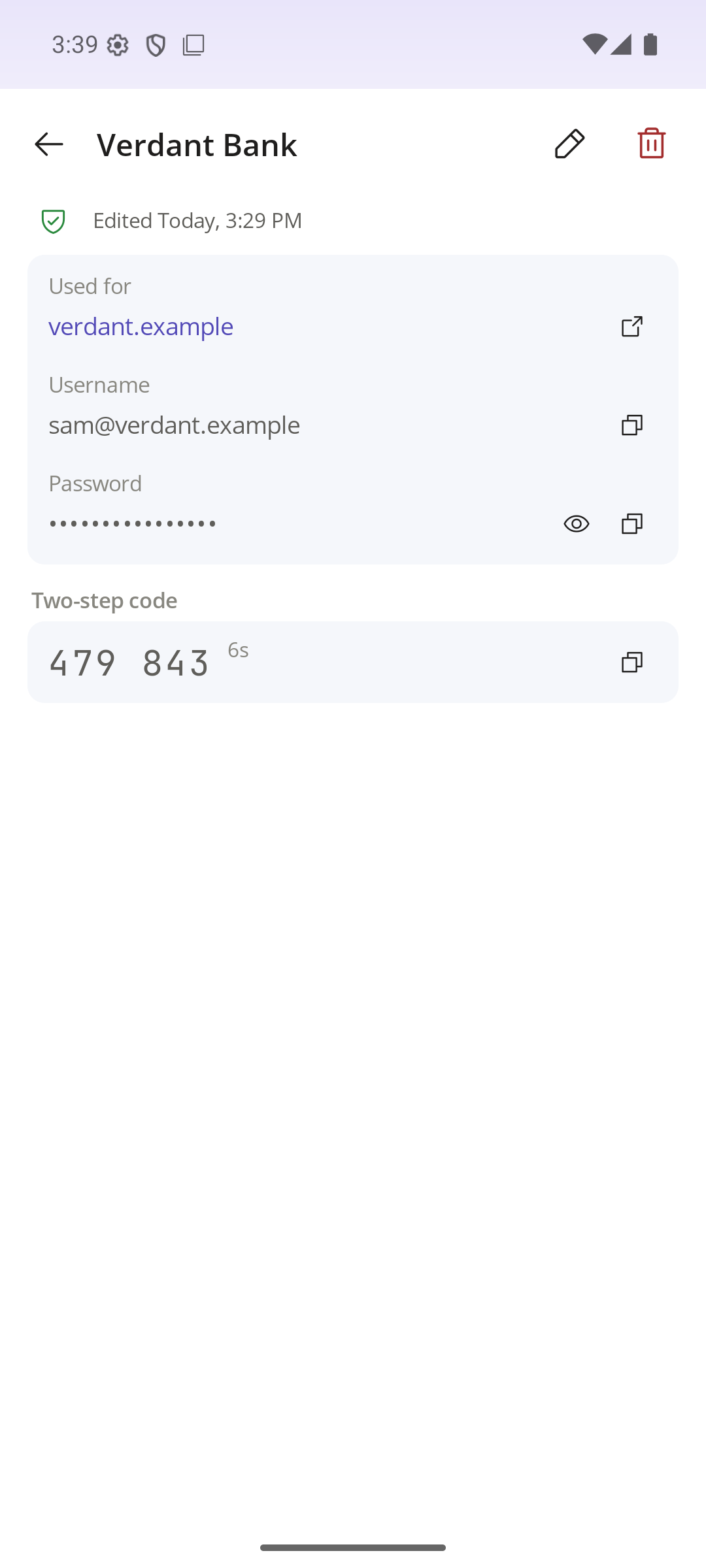
Two-step codes
Keep the code generator for a login beside its password. The code and its countdown are one tap away, no second app.
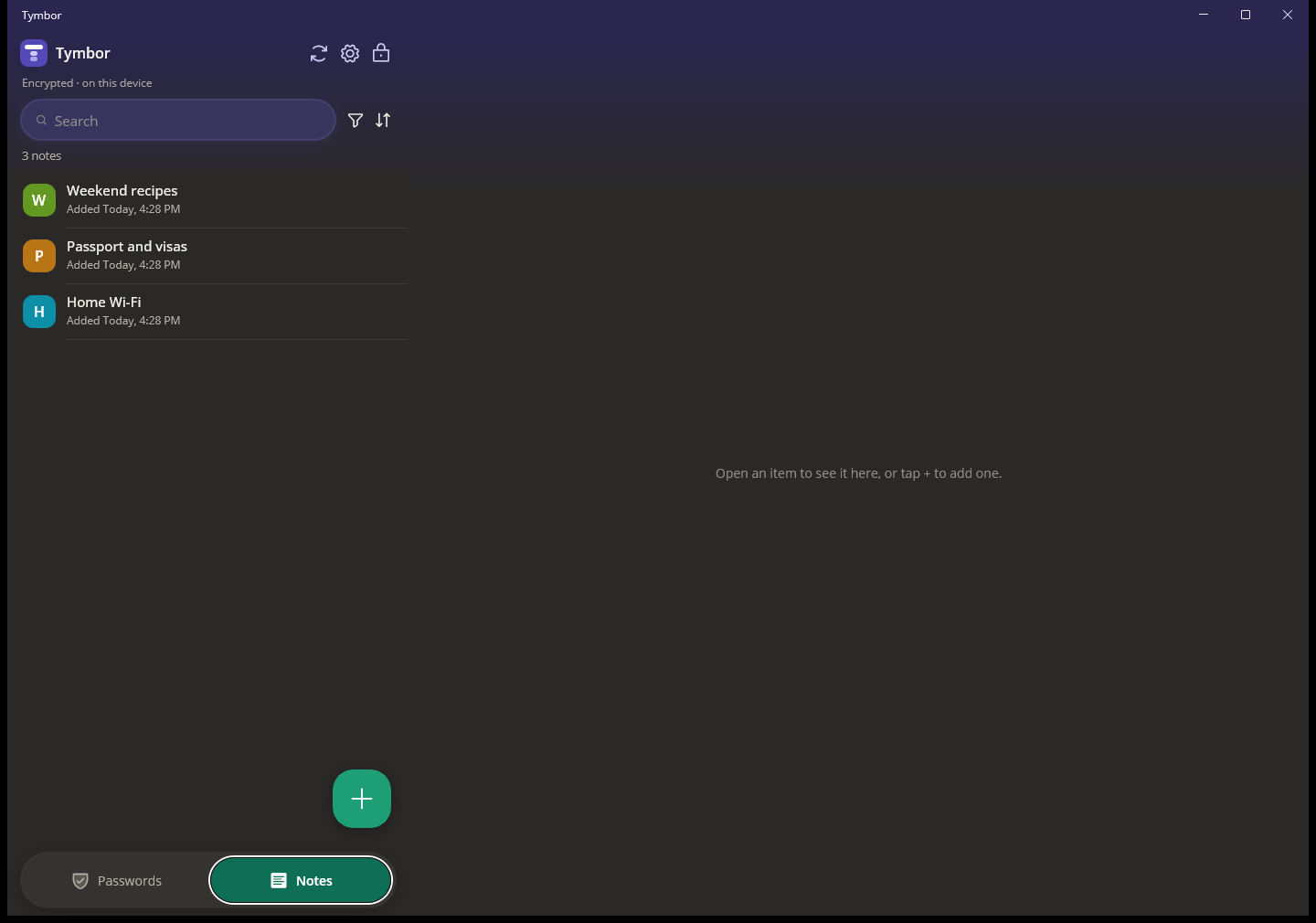
Private notes
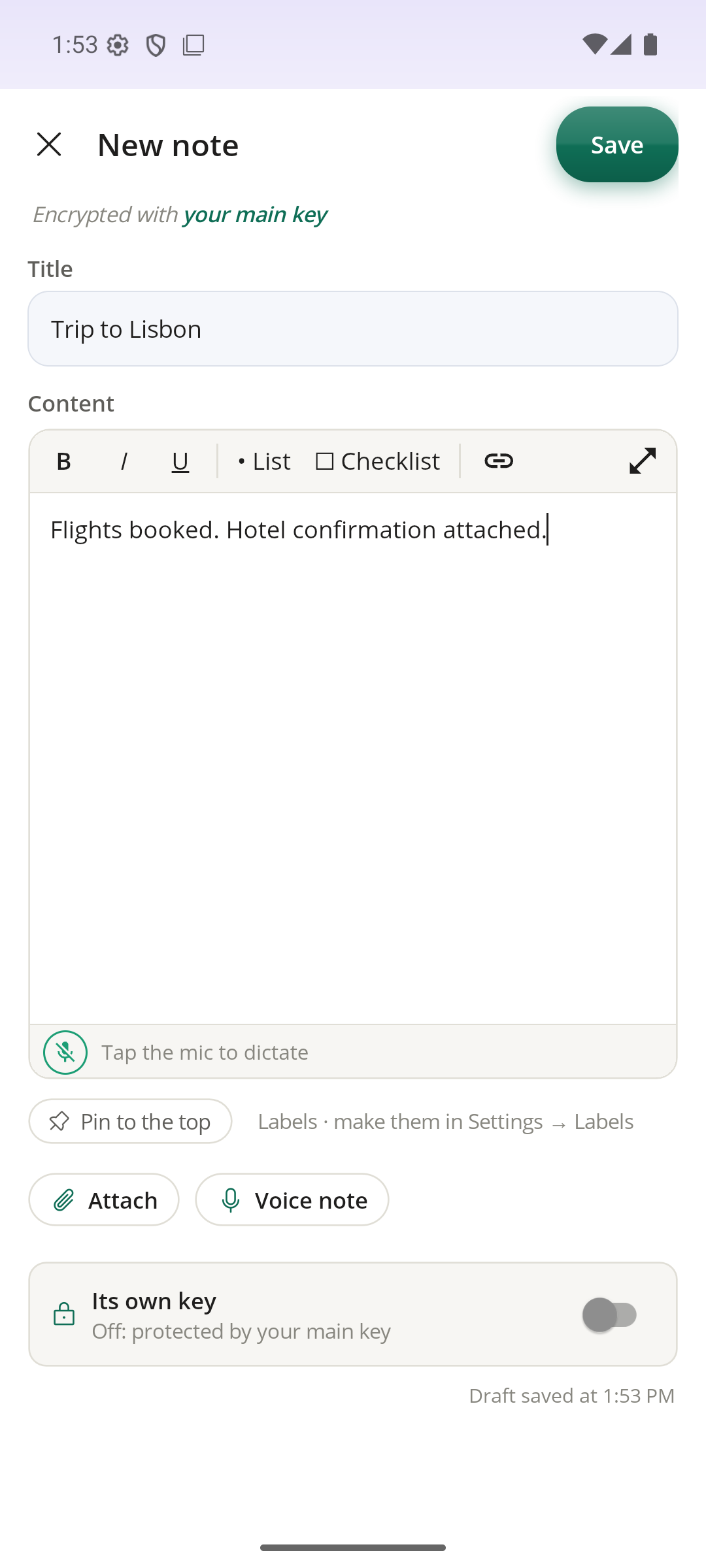
Write notes with bold, italics, lists, checklists and links. Pin the important ones to the top, and give any note a key of its own when it needs extra protection.
Pictures, files and voice notes
Add a picture or a document to a note, record up to three voice notes, or just talk and let it type for you. Dictation happens on your device, so your voice never leaves it. PDFs, photos, text files and Word, Excel and PowerPoint files up to 10 MB are kept encrypted with the note, and Tymbor turns away unsafe file types, so a program disguised as a PDF is refused.
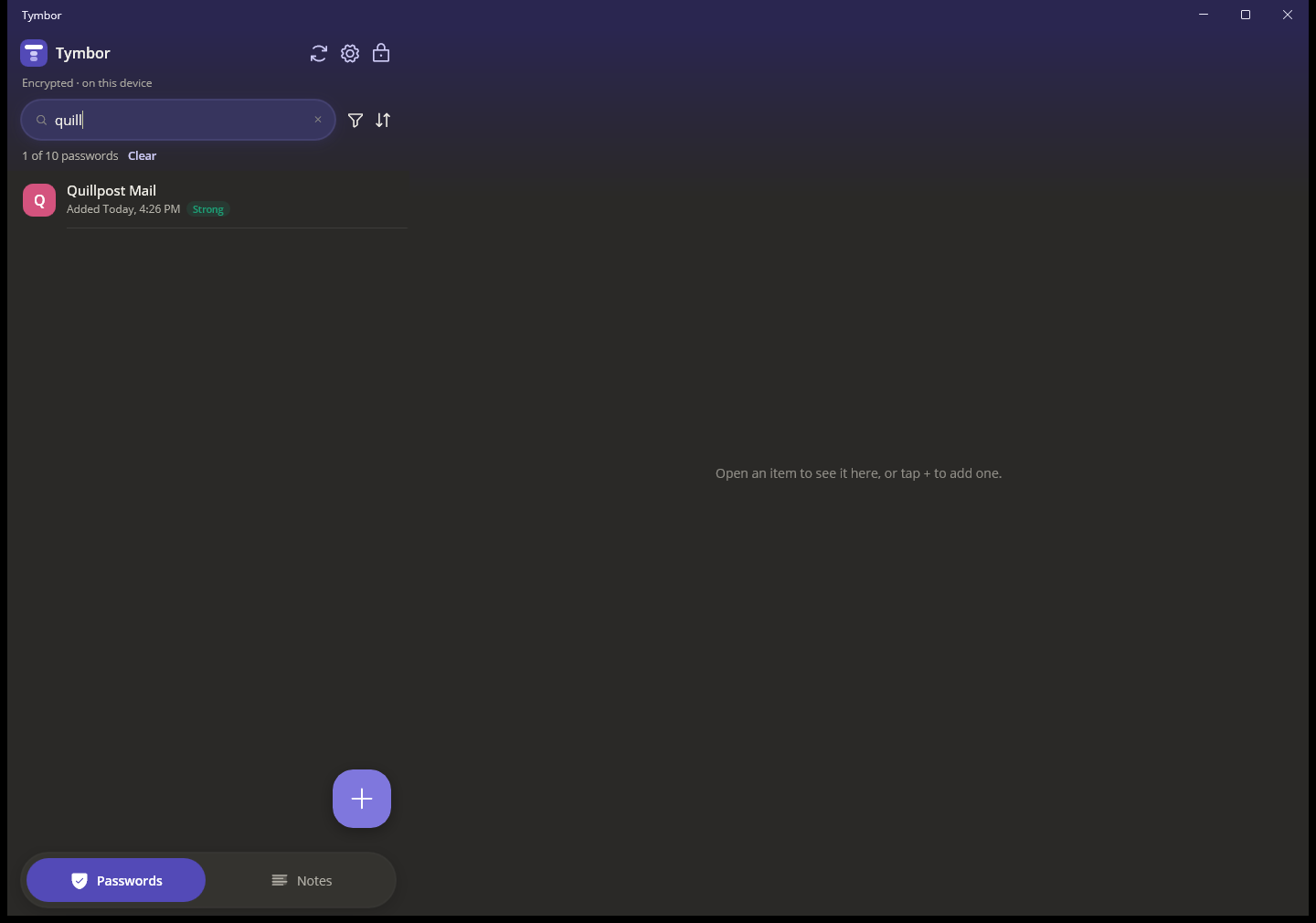
Search, filters, labels
Find anything in a moment. Sort and filter by what you need, and group items with labels you make.
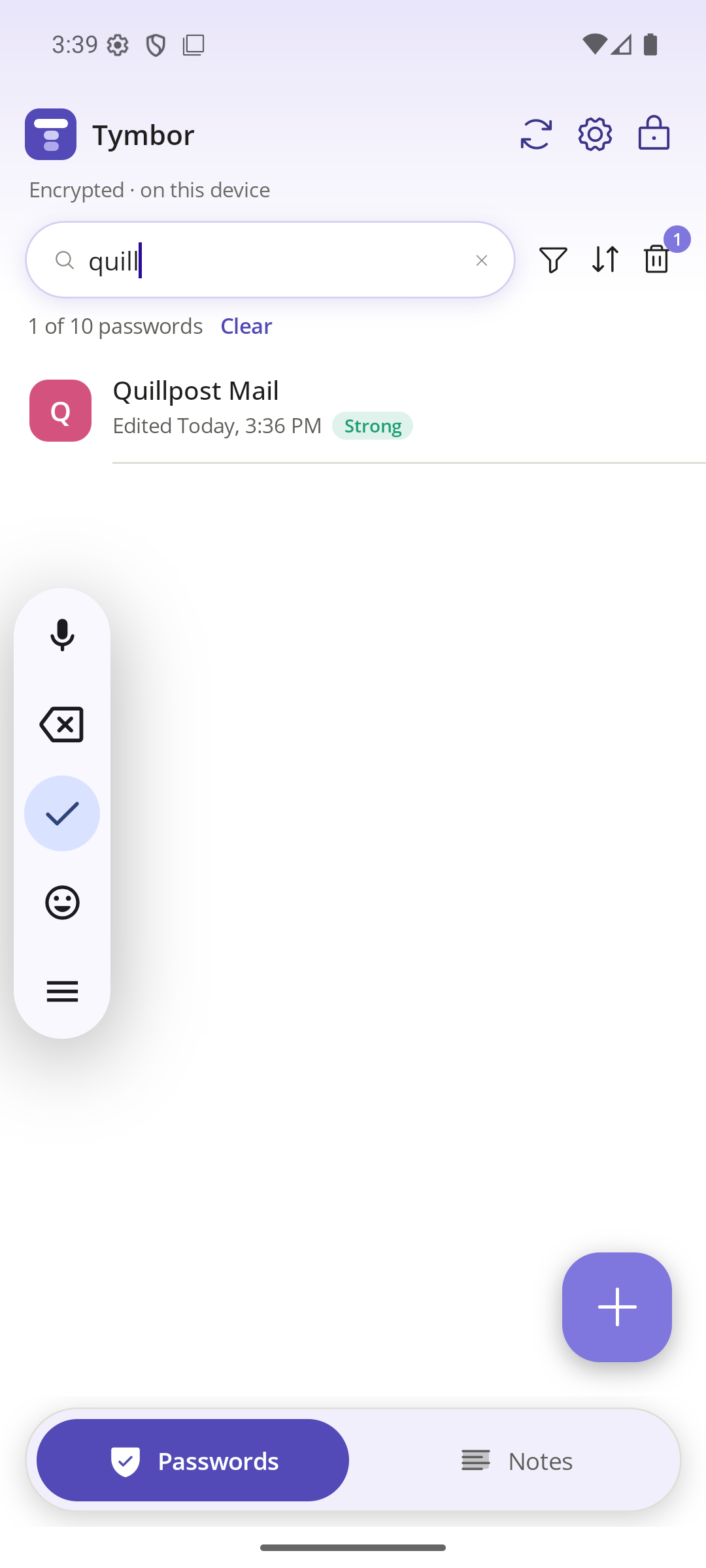
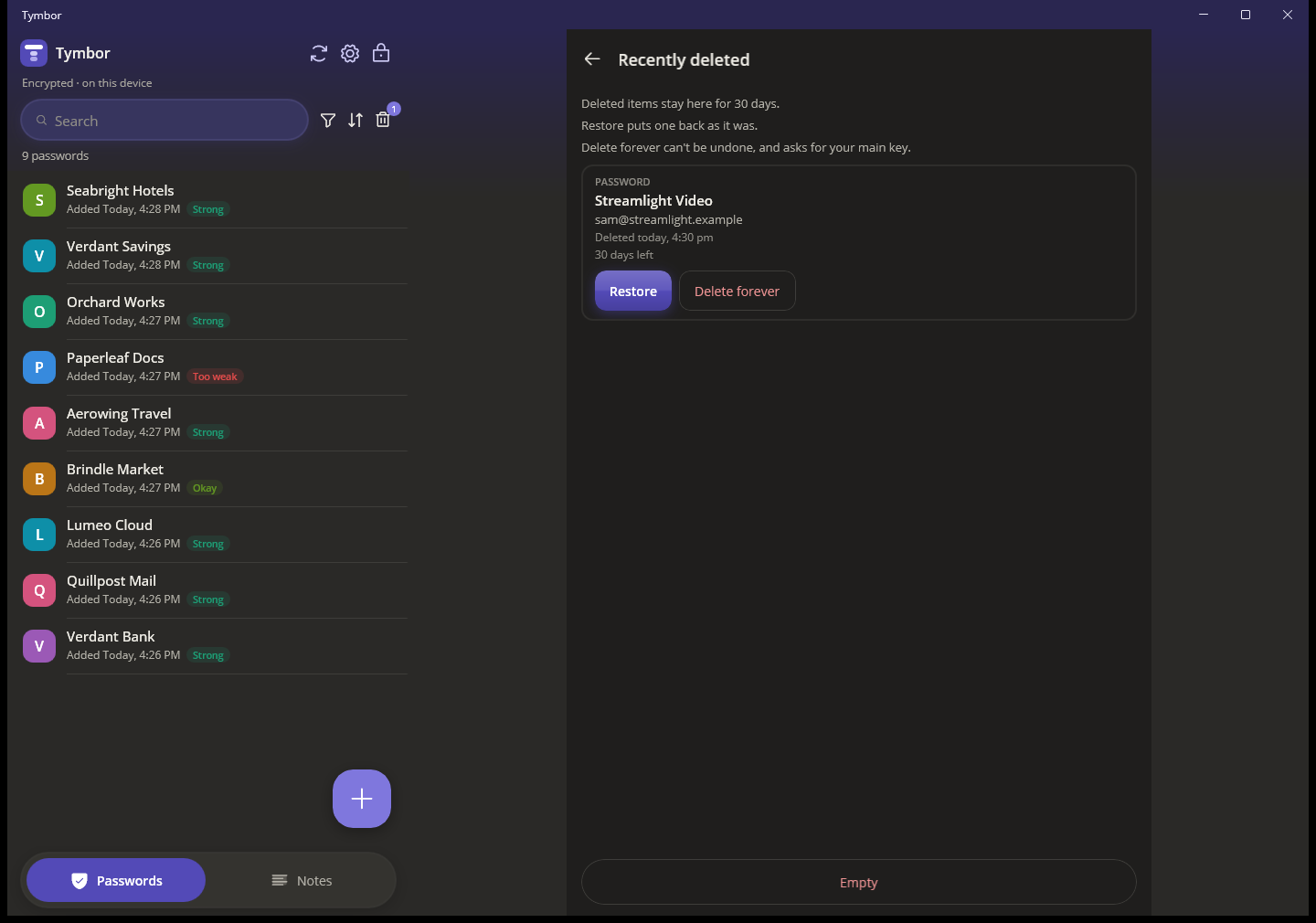
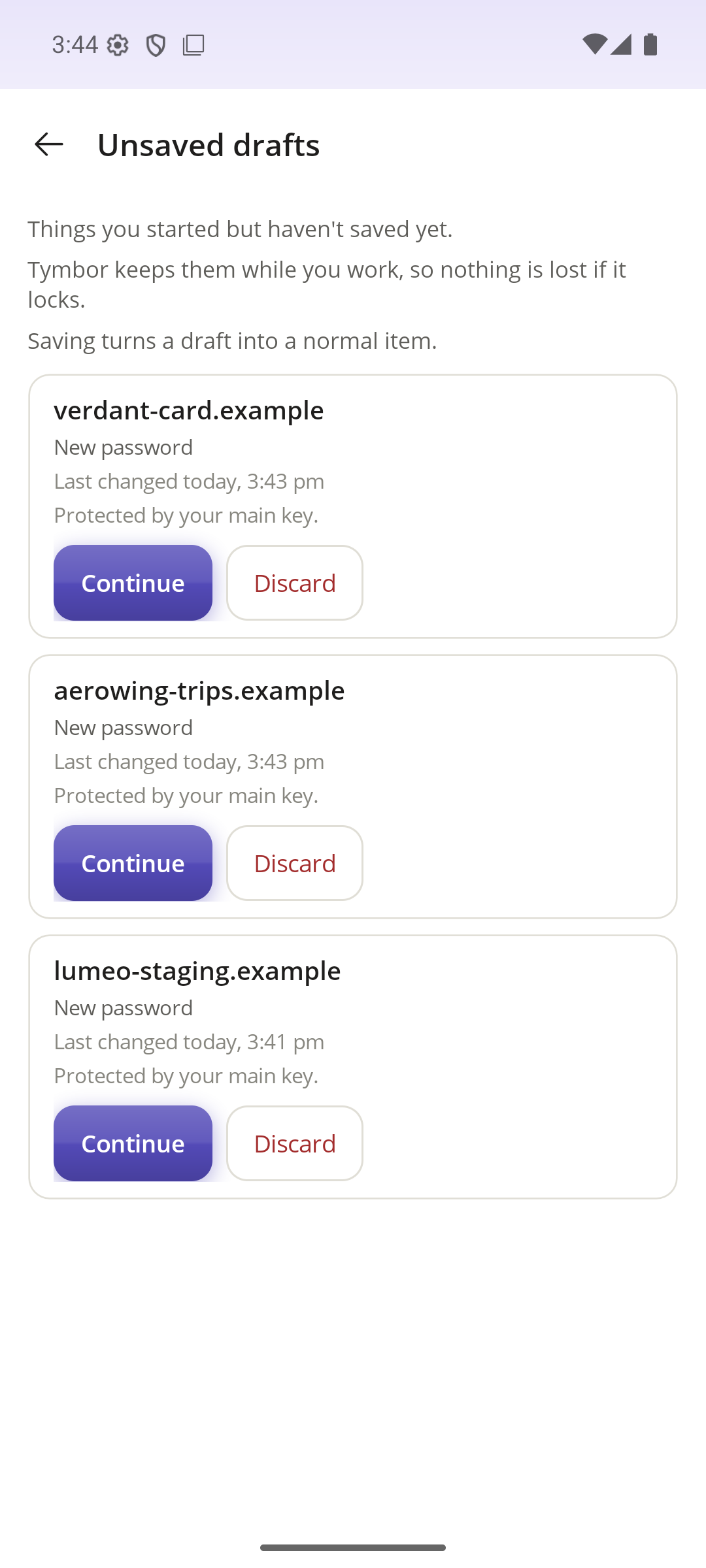
Nothing lost mid-way
Unsaved work is kept as a draft for seven days. Deleted items wait in Trash, with Undo, until you decide.
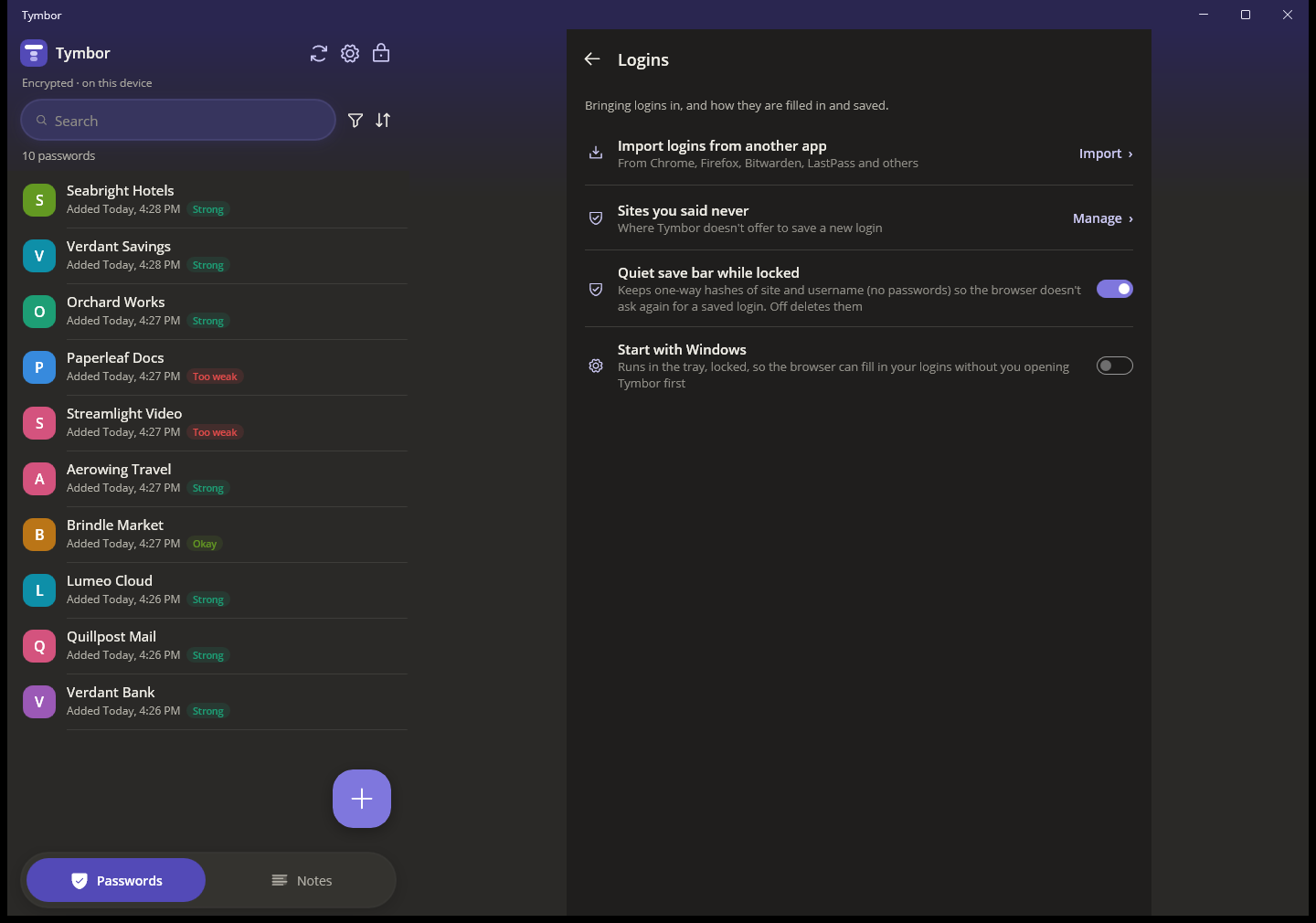
Bring your logins with you
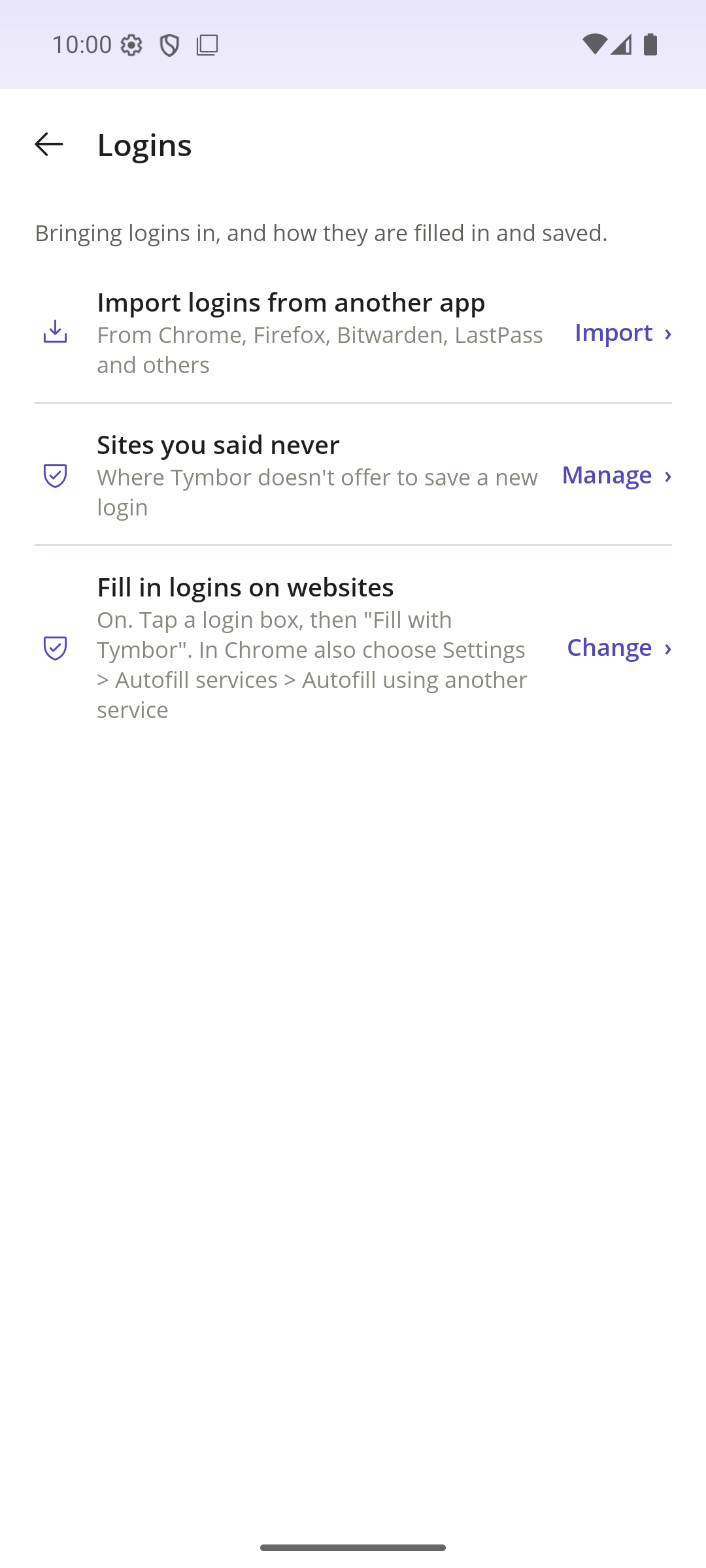
Import from Chrome, Firefox, Bitwarden, LastPass and others. Tymbor shows what it found before it adds anything, and skips what you already have.
Your devices, in step
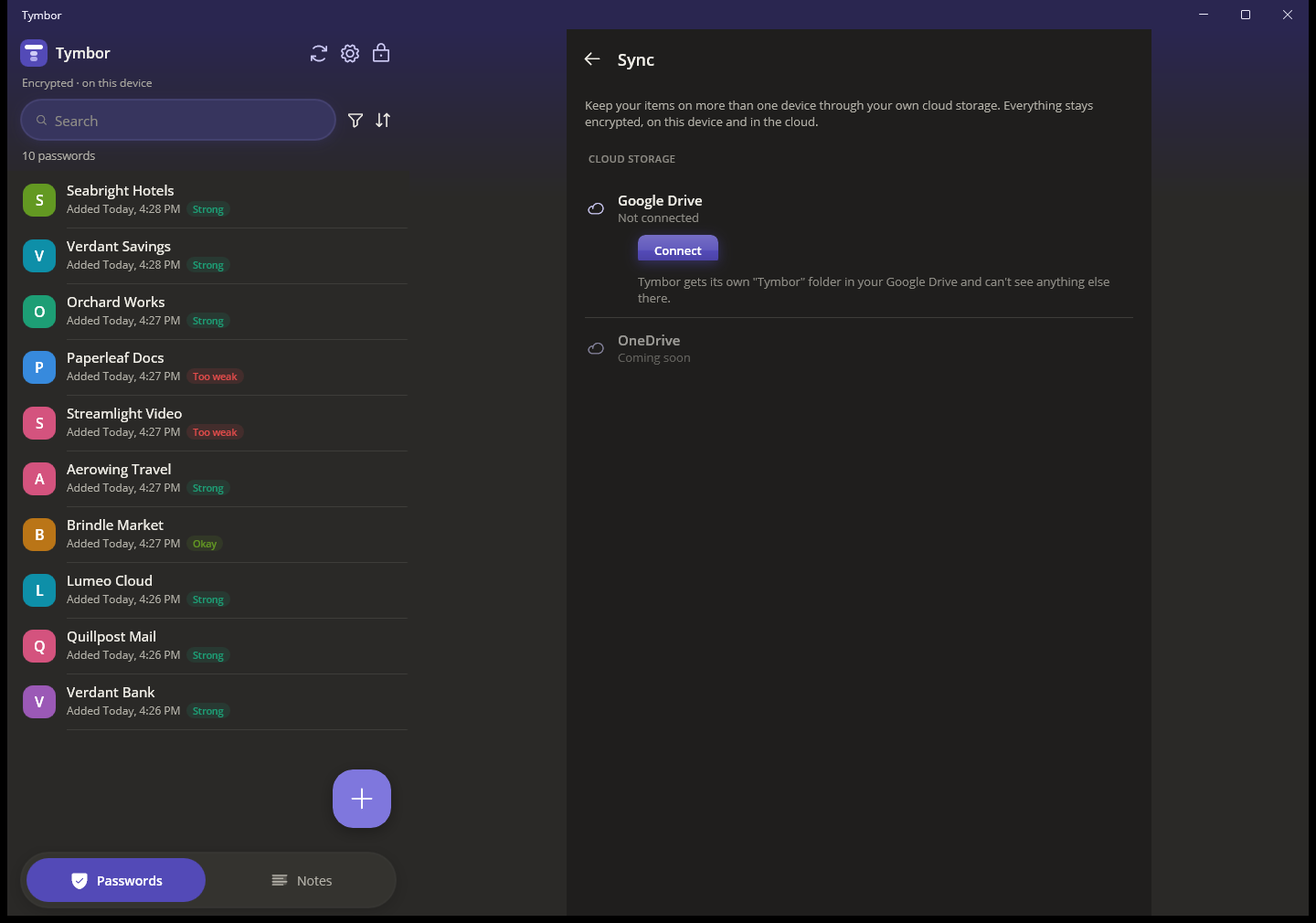
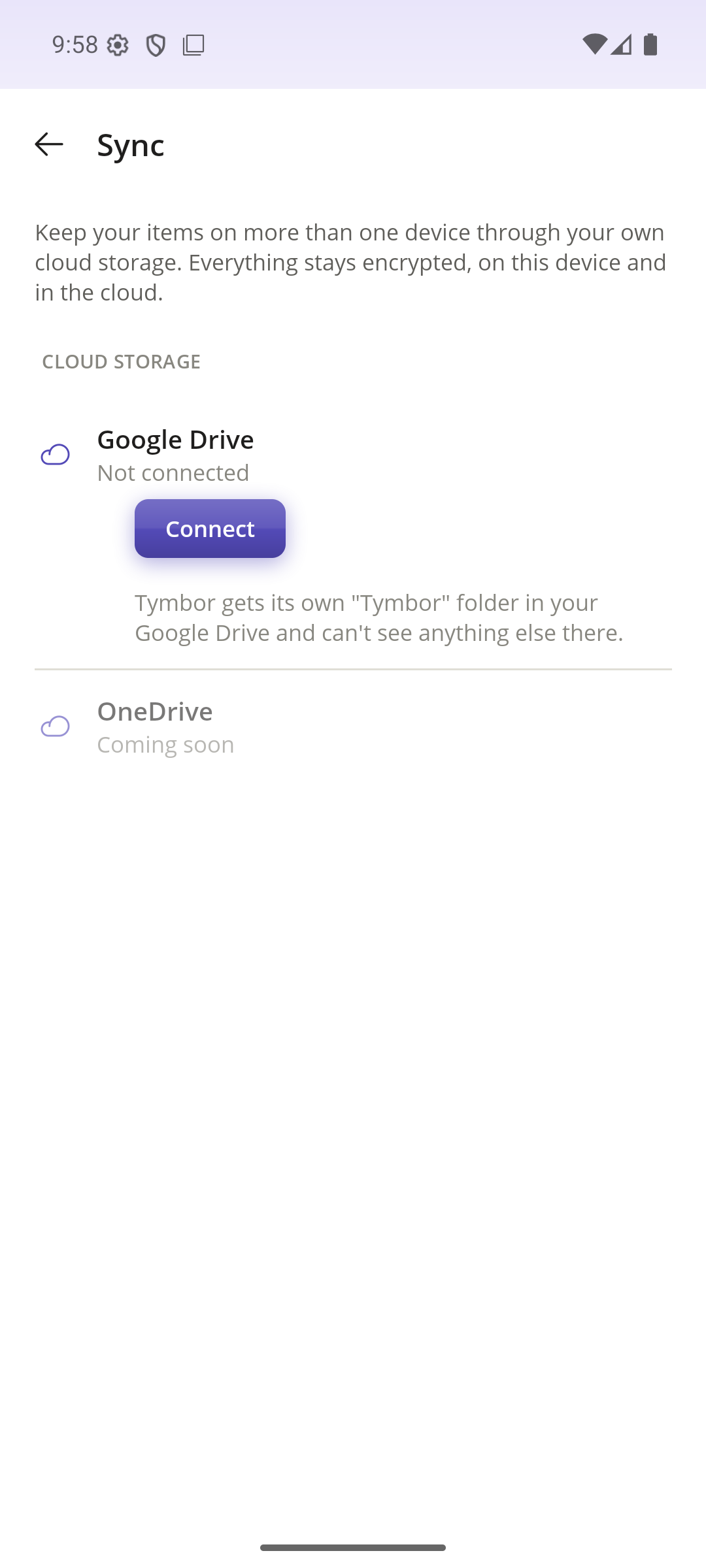
Sync through your own Google Drive, with only the encrypted vault stored there. Or send your vault to another device across your Wi-Fi, with nothing going through the internet.
Backups you control
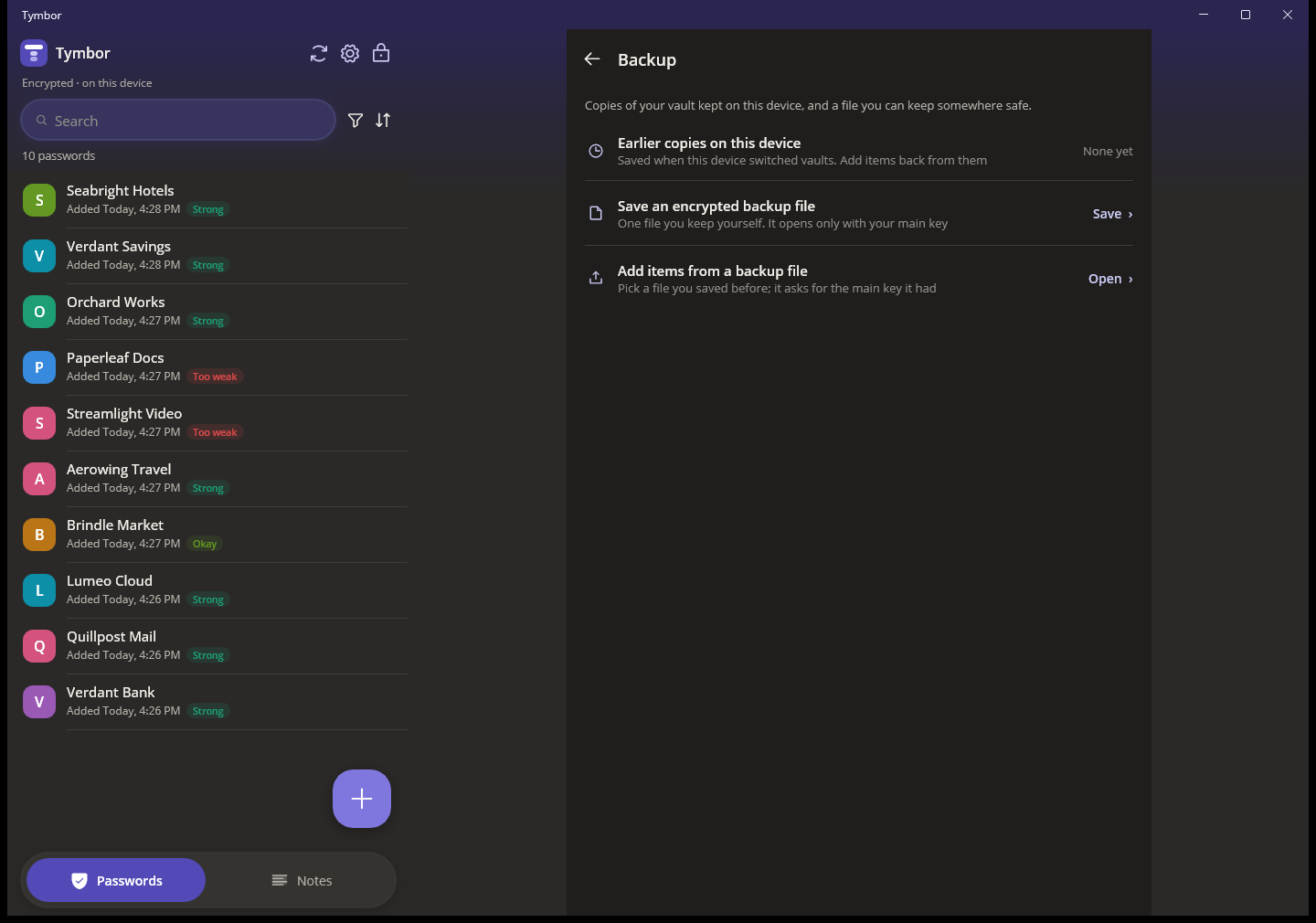
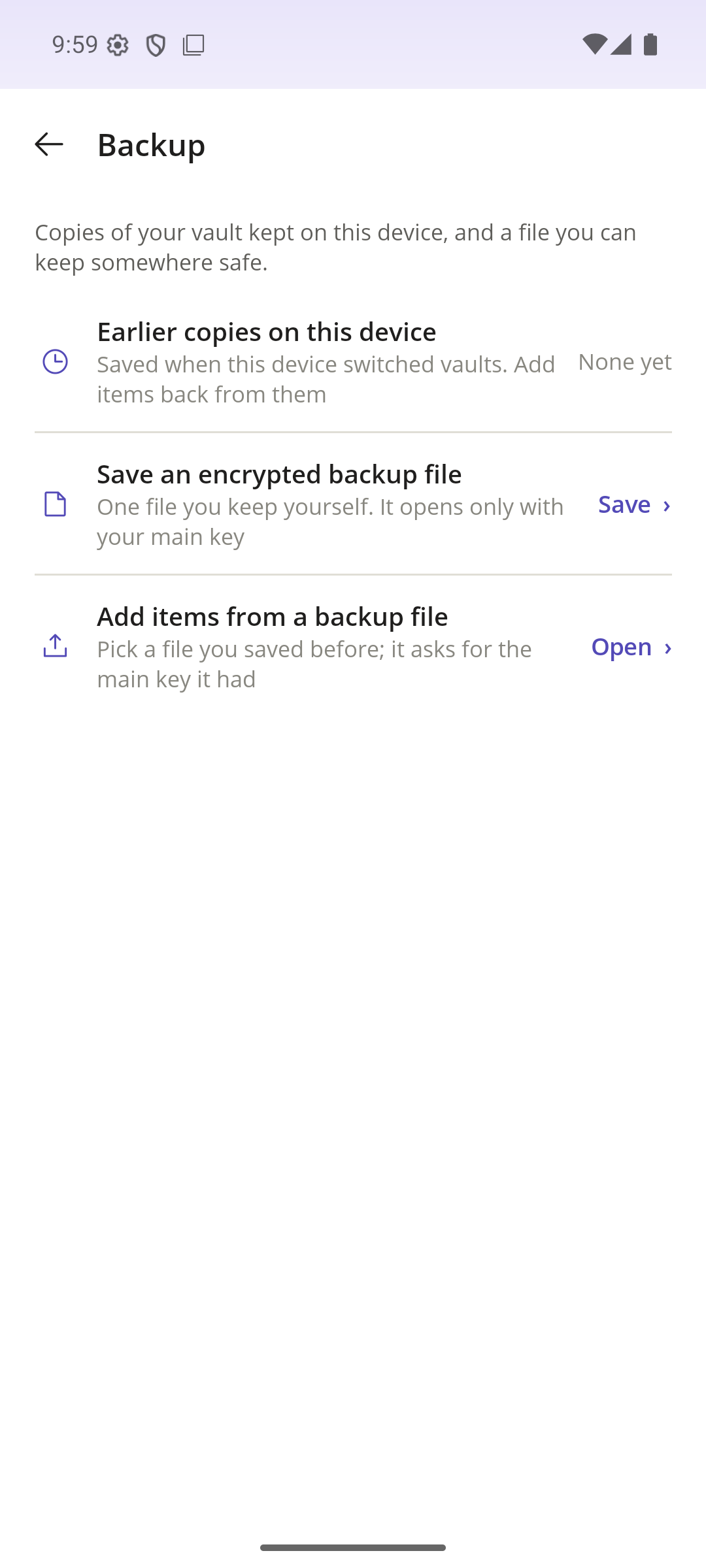
Save an encrypted backup file whenever you like and keep it wherever you like. Earlier copies are also kept on the device.
A way back in
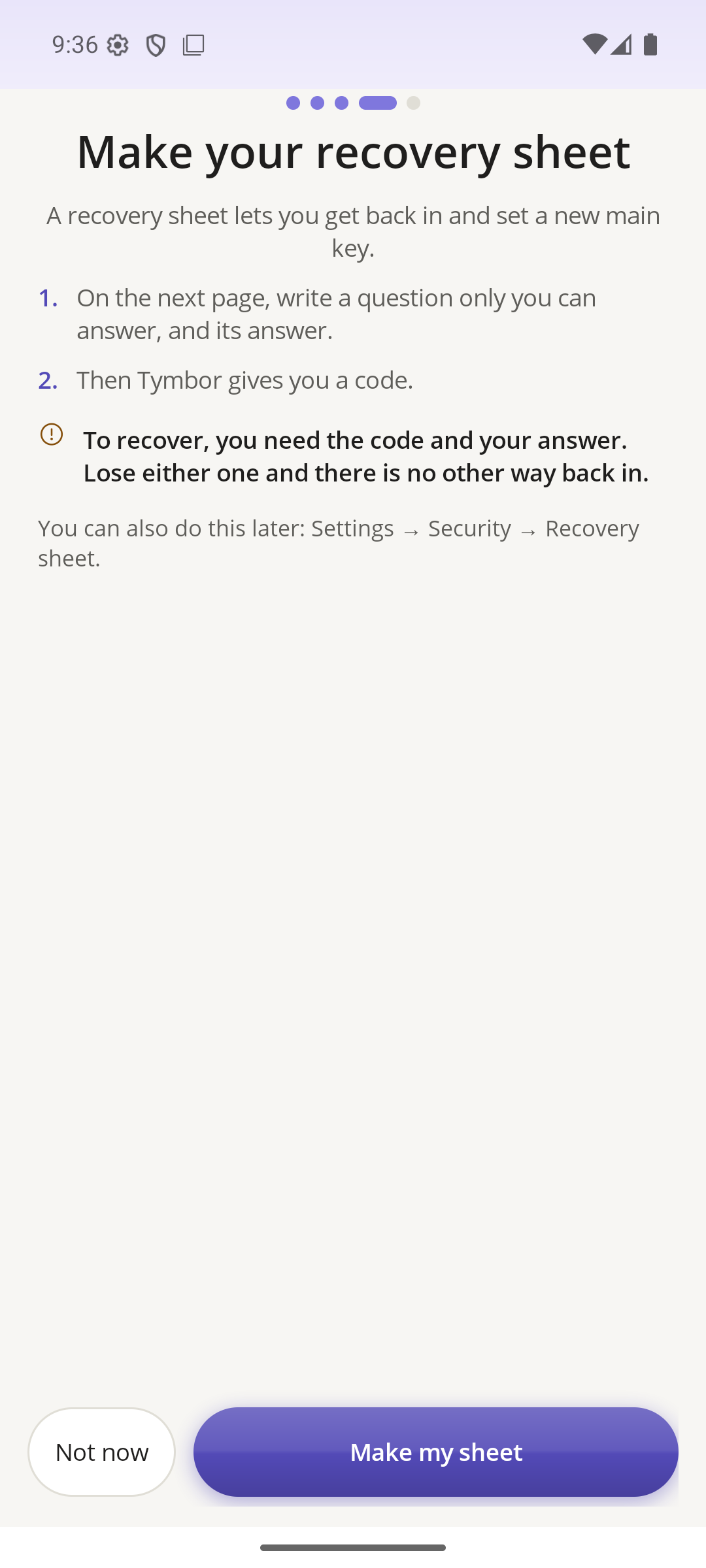
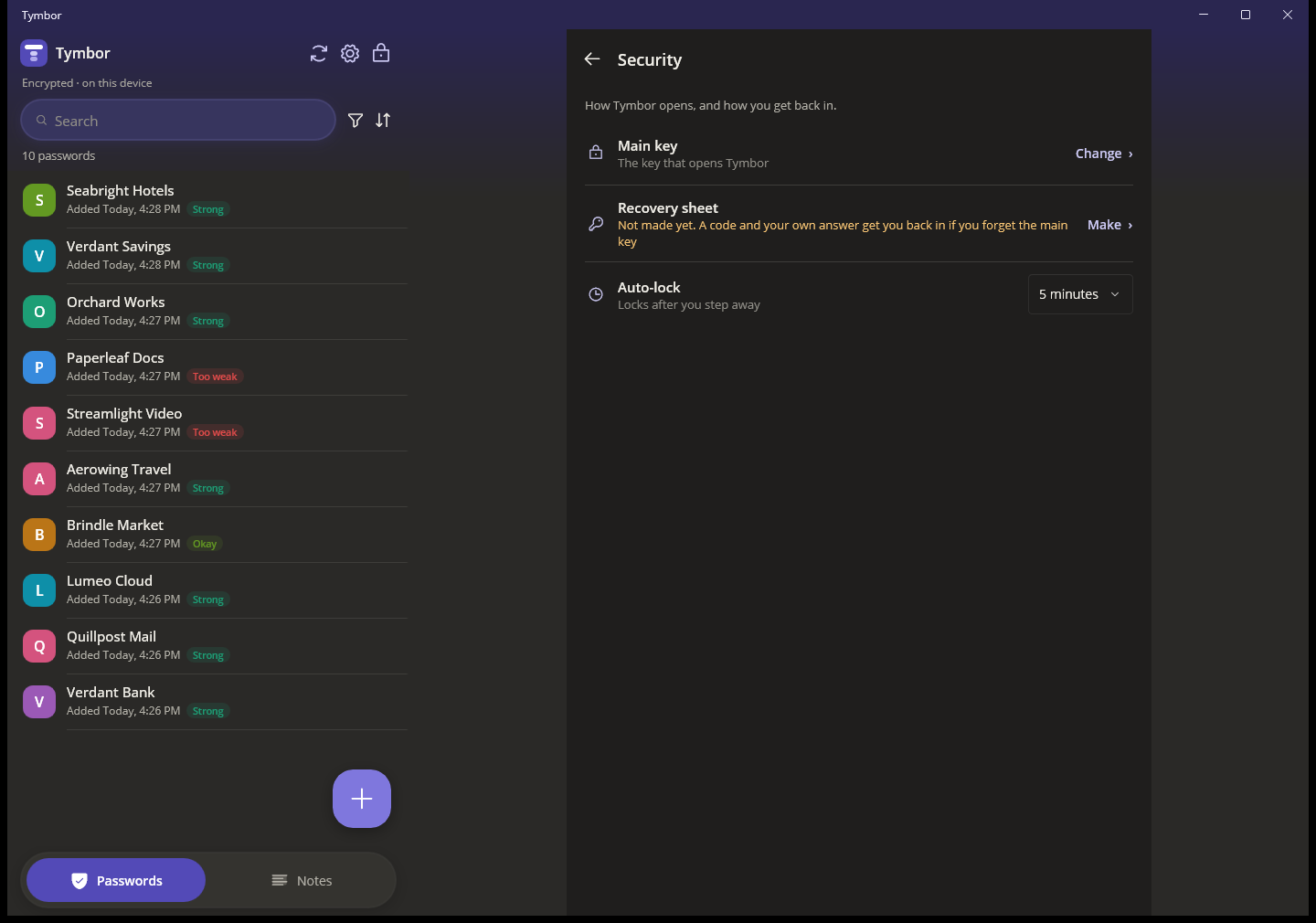
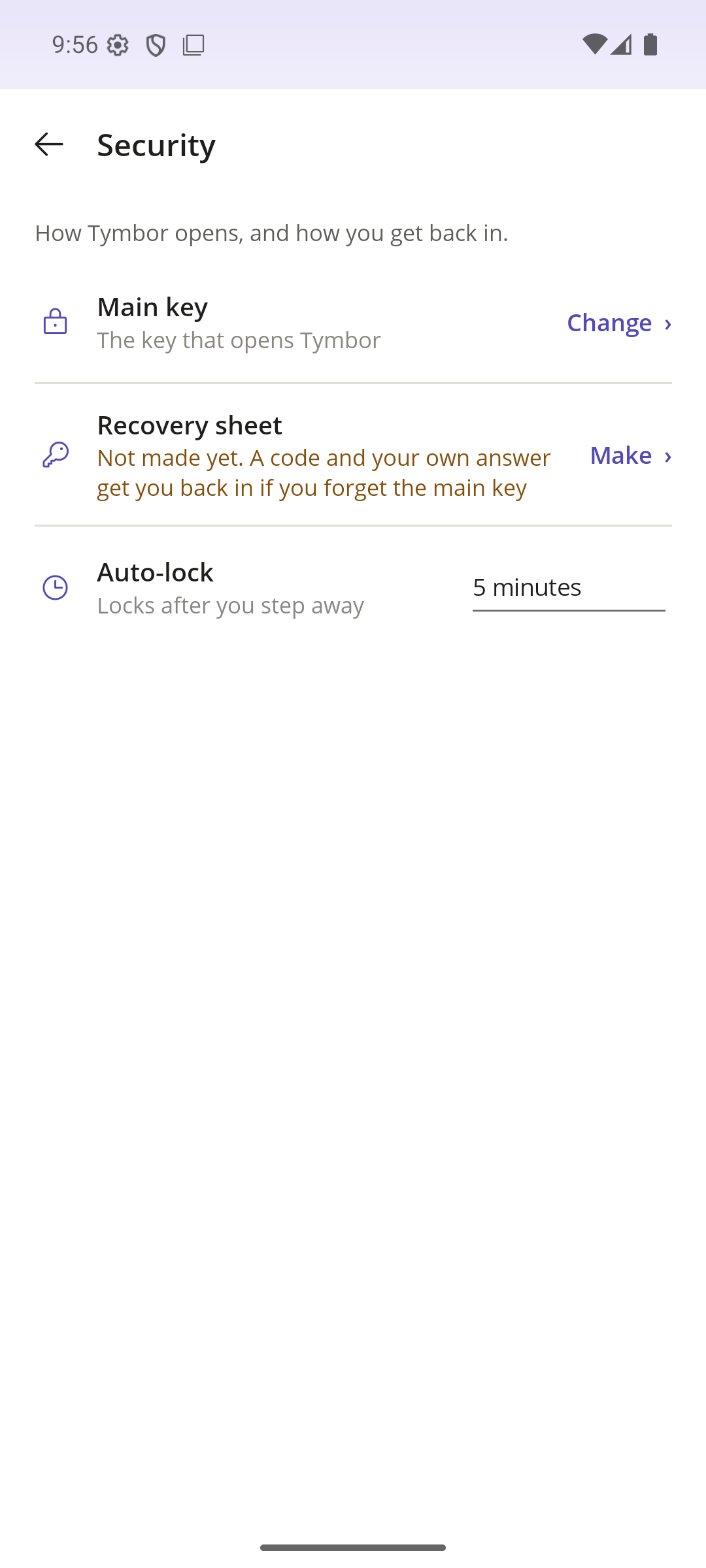
Make a recovery sheet: a question only you can answer, and a code. Together they get you back in if you forget your main key.
Locked unless it is you
Tymbor locks itself when you step away. Open it with Windows Hello or your fingerprint, so you are not typing your main key all day.
Fills in for you
Tymbor fills in logins in your browser through the extension and in your apps through Android autofill. It offers a login only on the exact site it belongs to.
Works without a connection
Your vault lives on your device, so Tymbor opens and works with no internet. Sync happens only when you turn it on.
Looks the way you like
Light or dark, in several colour palettes. Built to work with a screen reader and the keyboard.
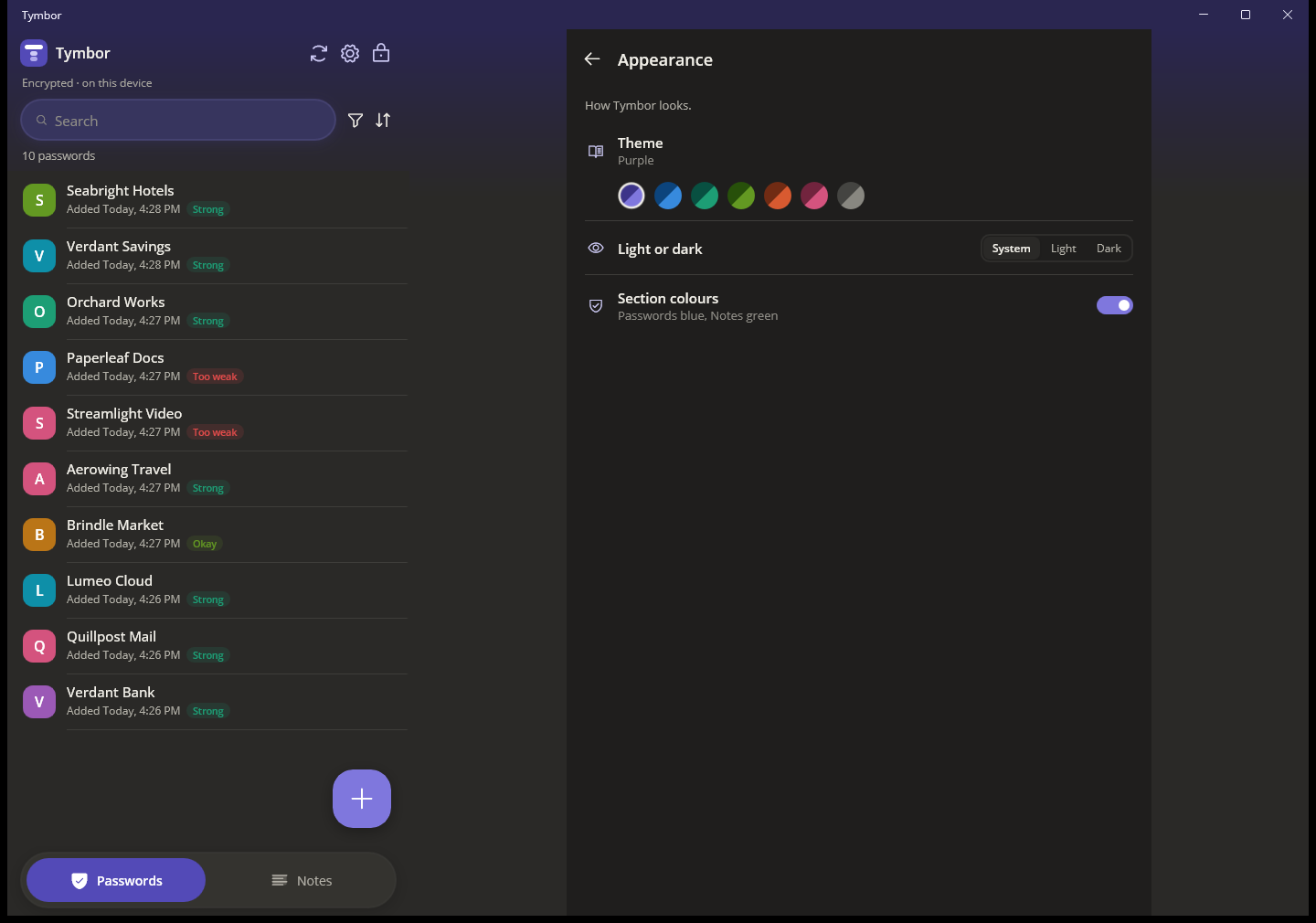
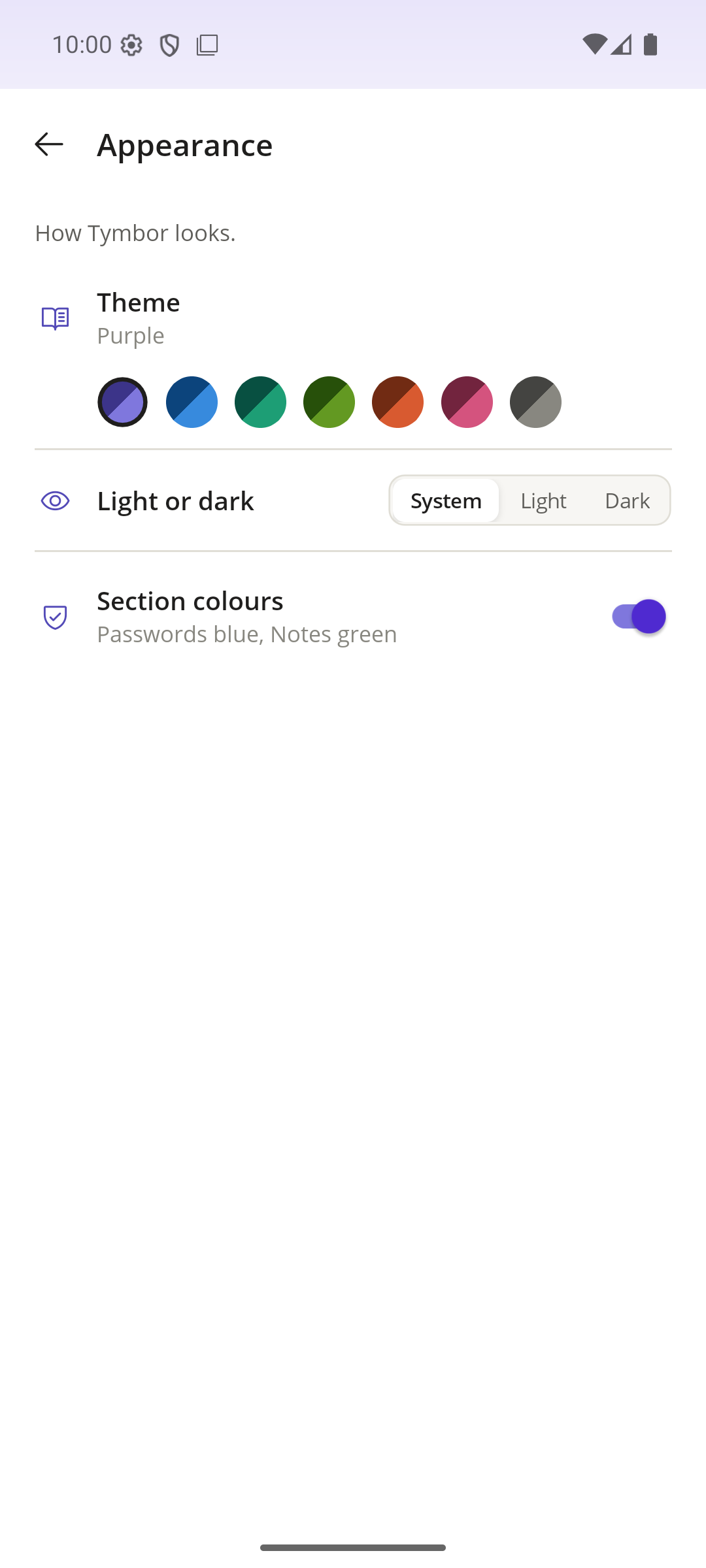
The same Tymbor on desktop and mobile
Everything works on both. Add something on one and it is on the other.
| Desktop | Mobile | |
|---|---|---|
| Passwords, notes and two-step codes | ✓ | ✓ |
| Notes with pictures, files and voice notes | ✓ | ✓ |
| Password generator and strength rating | ✓ | ✓ |
| Search, filters, drafts, Trash and Undo | ✓ | ✓ |
| Import, backup file and recovery sheet | ✓ | ✓ |
| Sync through your own Google Drive | ✓ | ✓ |
| Send your vault over Wi-Fi | ✓ | ✓ |
| Quick unlock | Windows Hello | Fingerprint |
| Fills in and saves logins | Browser extension (Chrome, Brave, Edge) | Android autofill (apps and browsers) |
Simple plans
Beta
Everything, free
While Tymbor is in beta, every feature is open with no limits.
Free
Up to 25 items
Everything you already have stays fully usable, always.
Pro
Unlimited items
For people who keep a lot in Tymbor.
Remember less. Be safer.
Tymbor is in beta now.